NDSPro Evolution Soccer 62007
PLAY ▶
Pro Evolution Soccer 6
NDS2007
ARCHIVE ENTRY · 2006
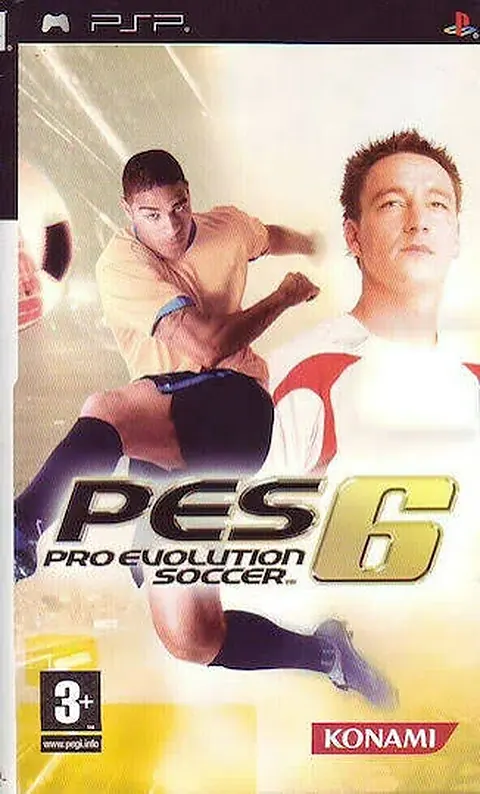
PES 6 for PSP, recompiled to run in a browser tab by the OptiJuegos fan project. It adds online rooms, touch controls, saves and option-file import on top of the 2006 Konami classic.
The Play button opens the game on pes6.optijuegos.net in a new tab. BrowserKicks links to it and does not host the game files.
The PSP version of Pro Evolution Soccer 6 came out in 2006, the same season as the PlayStation 2 and Xbox 360 games. It is the full-size PES 6 squeezed onto a handheld: the same passing game, the same licensed and unlicensed team names, and the familiar menus.
The version linked here is not a regular emulator. It is a WebAssembly port published on pes6.optijuegos.net: the PSP game has been recompiled so that it runs directly in a modern browser with WebGL2. In practice that means faster loading after the first visit, saves that stay in your browser, and an online mode that the original PSP never had over the internet.
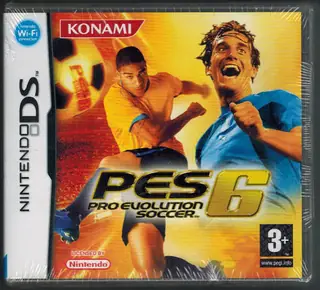
If you only want a light, quick game, the Nintendo DS version of PES 6 is a smaller download. For most people, though, this is the best way to play PES 6 in a browser today.
The game runs at 30 frames per second, like the PSP original. The host offers an experimental 60 fps option; try it only if your computer is fast, as it can make the game unstable.
When you start, the host lets you pick the commentary: Spanish, Mariano Closs (the Argentine commentator well known to Latin American PES fans), or no commentary. Choosing no commentary makes the download lighter and is the best choice on a slow connection or an older phone.
This is the main reason to pick this version. The original PSP had ad hoc wireless play for players sitting in the same room. The port turns that menu into online rooms:
Connections are peer to peer over WebRTC. The host offers two connection modes, Fiable (reliable) and Rápida (fast). Use reliable first; switch to fast only if both players have a good connection and want less input delay. Empty rooms close after about 15 minutes.
Our guide How to play PES 6 online with friends goes through the whole process, including what to do when a room will not connect.
Progress is saved in your browser, so do not clear the site's data unless you have exported your save first. The host also supports importing an option file as a .zip or as a PSP SAVEDATA folder. That is how players load updated team names, kits and transfers made by the PES modding community. Back up your current save before importing anything.
The keyboard, gamepad and touch layouts can all be changed in the host's control settings, and each player can be set up separately. If your gamepad is not detected, press any button or move a stick with the game page in focus; the browser only shows gamepads after they have been used once.
New to PES on a keyboard? Learn the four core actions first – short pass, through ball, long pass and shoot – in a friendly against a weak CPU team before trying online play.
BrowserKicks links to pes6.optijuegos.net and does not host any game files. We check that the link answers every week and show the result in the status box above and on the game status page. Pro Evolution Soccer is a trademark of Konami. BrowserKicks has no connection with Konami or the host.
Pro Evolution Soccer 6 (PSP) is listed in the BrowserKicks fan archive for preservation and fun. BrowserKicks is not affiliated with the game's publisher. The game itself is provided by a third-party host; BrowserKicks does not host game files.
SAME GAME, OTHER CONSOLES
KEEP EXPLORING
Choose a platform or console
Type above to quickly find any soccer game…