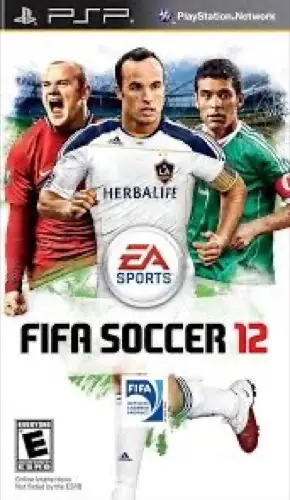
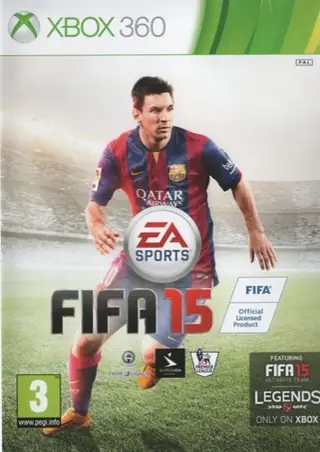
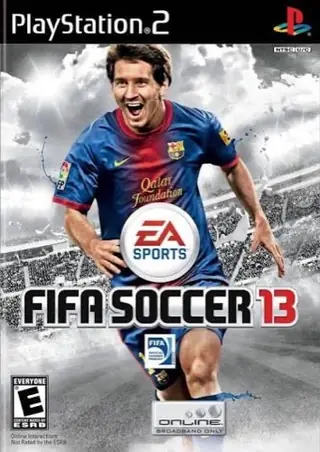
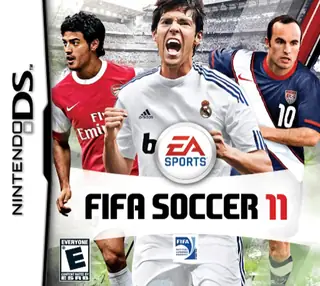
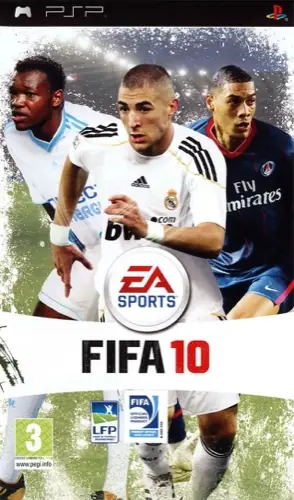
PSPFIFA 102009
PLAY ▶
FIFA 10
PSP2009
ARCHIVE ENTRY · 2013
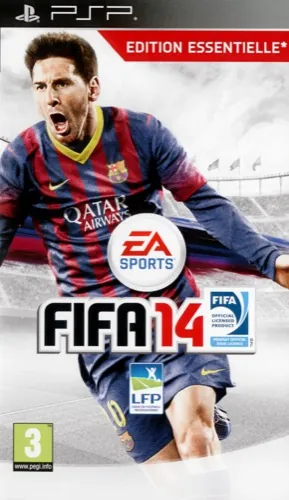
Play the PSP version of FIFA 14 in your browser, with clubs and national teams from the 2013 season.
Play the browser version on this site when one is available.
FIFA 14 for PSP, the 2013 handheld edition with clubs, leagues and national teams. It runs in a PSP emulator in the browser, so keyboard and gamepad both work, and it is a popular choice on phones and Chromebooks.
The PSP version runs in a PSP emulator in the browser. Chrome or Edge on a desktop or a recent phone works best, with a keyboard or gamepad.
FIFA 14 is listed in the BrowserKicks fan archive for preservation and fun. BrowserKicks is not affiliated with the game's publisher. The game itself is provided by a third-party host.
KEEP EXPLORING
Choose a platform or console
Type above to quickly find any soccer game…