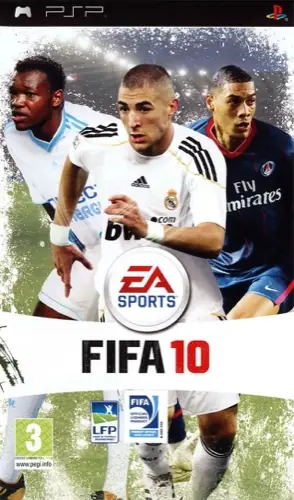
NDSFIFA Soccer 102009
PLAY ▶
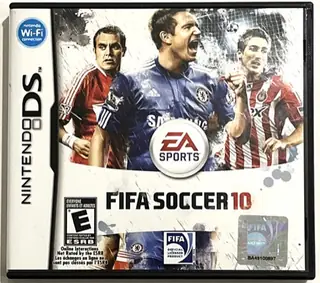
FIFA Soccer 10
NDS2009
ARCHIVE ENTRY · 2010
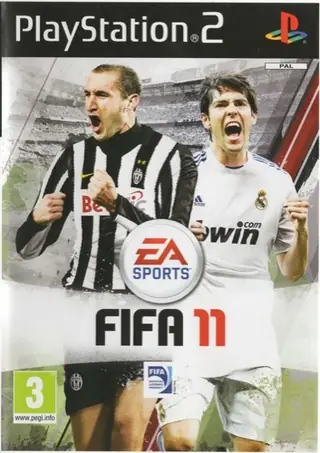
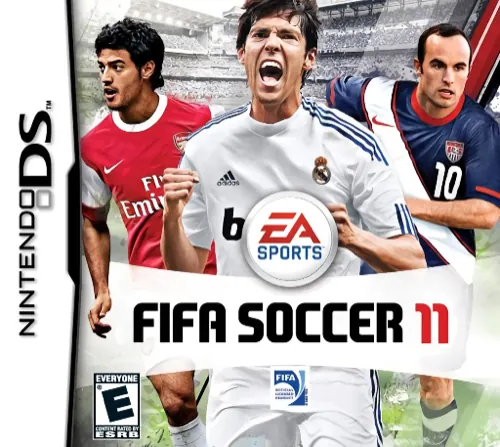
Build your season and compete with your favorite team in the Nintendo DS edition of FIFA Soccer 11.
Play the browser version on this site when one is available.
FIFA Soccer 11 (2010) on Nintendo DS is part of EA Sports' long-running FIFA football series. Pick a team, kick off and play a full match right here in your browser.
The Nintendo DS has two screens. In the browser both screens are shown together, and anything you would tap on the touch screen works with the mouse or a finger on a phone.
FIFA Soccer 11 is listed in the BrowserKicks fan archive for preservation and fun. BrowserKicks is not affiliated with the game's publisher. The game itself is provided by a third-party host.
KEEP EXPLORING
Choose a platform or console
Type above to quickly find any soccer game…